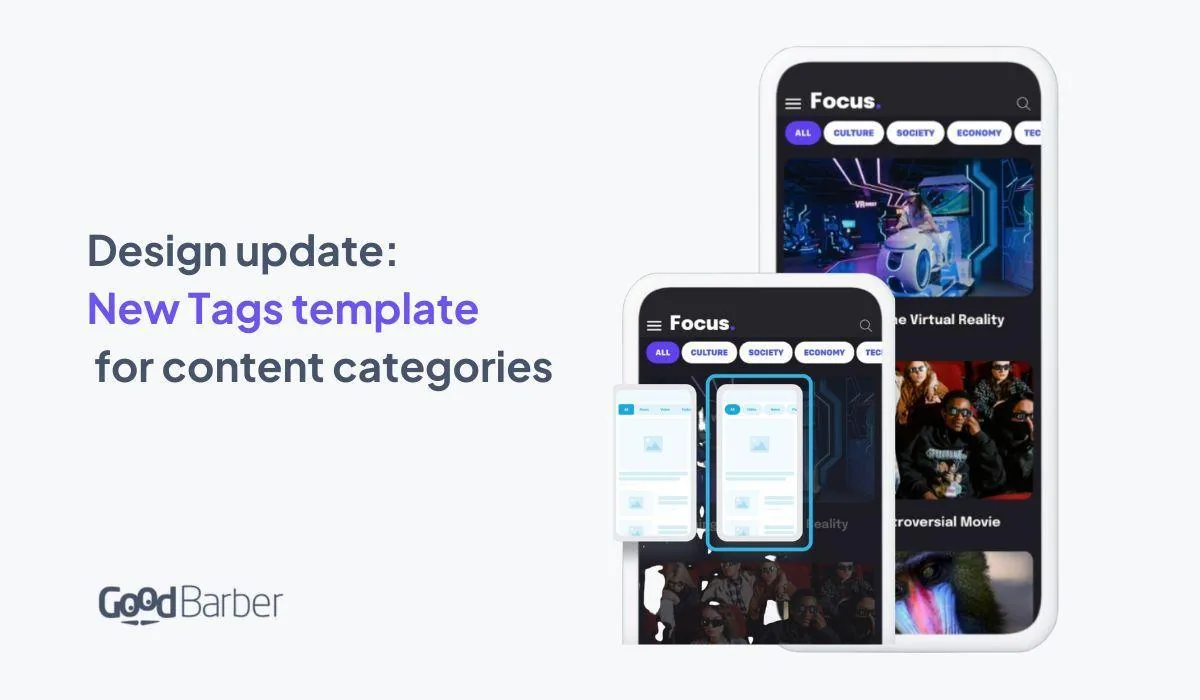
With this new template, we wanted to update a transversal element of our apps: the multi-categories. This element can be displayed in all list templates of all content types. This Tags template will greatly contribute to upgrading the visual of your app, giving a modern and trendy vibe. Perfect for news apps, podcasts, travel guides, etc...
As we said in the introduction this new template is available in the following content lists :
-
**Articles** -
**Videos** -
**Events** -
**Map** -
**Podcasts**
How to apply the template on your GoodBarber app?
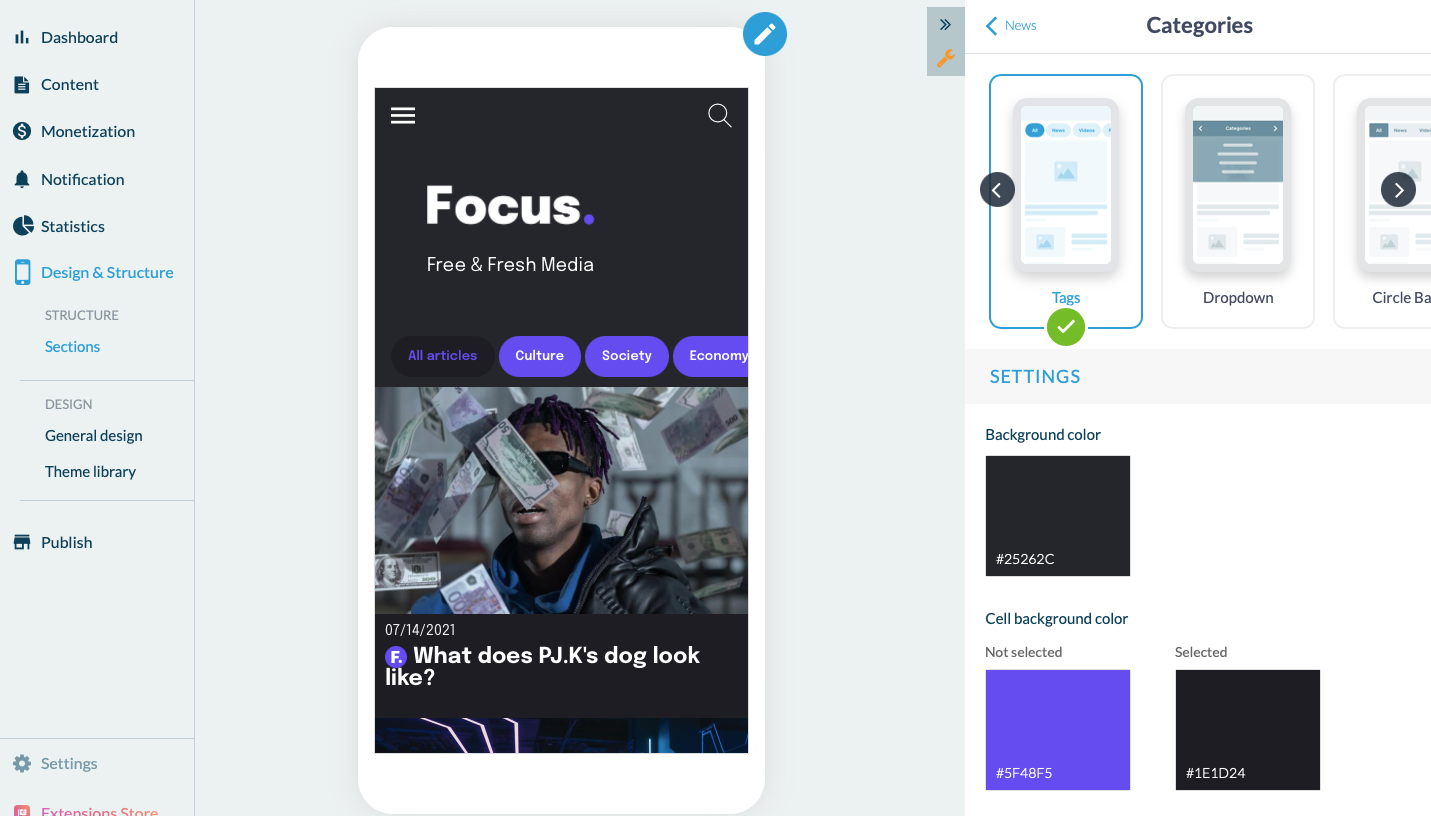
In your back office, go to the section containing categories. In the example below, our news section offers multiple categories: culture, economy, technology, etc... From the section, in the editing panel, click on Categories > select the Tags template.
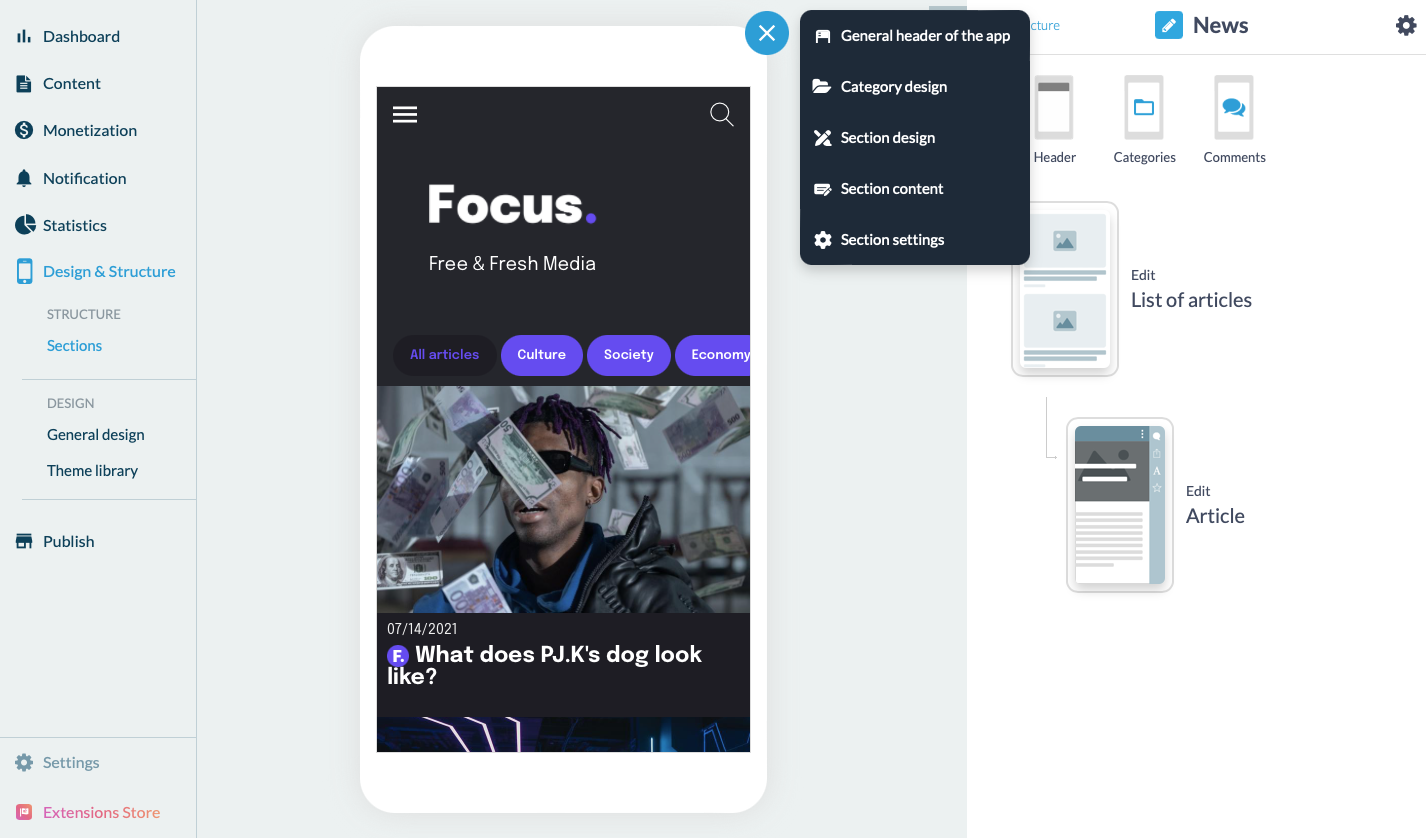
Another way to do this is, still from the relevant section, to click on the pen icon at the top right of the mockup > category design. > select the Tags template.
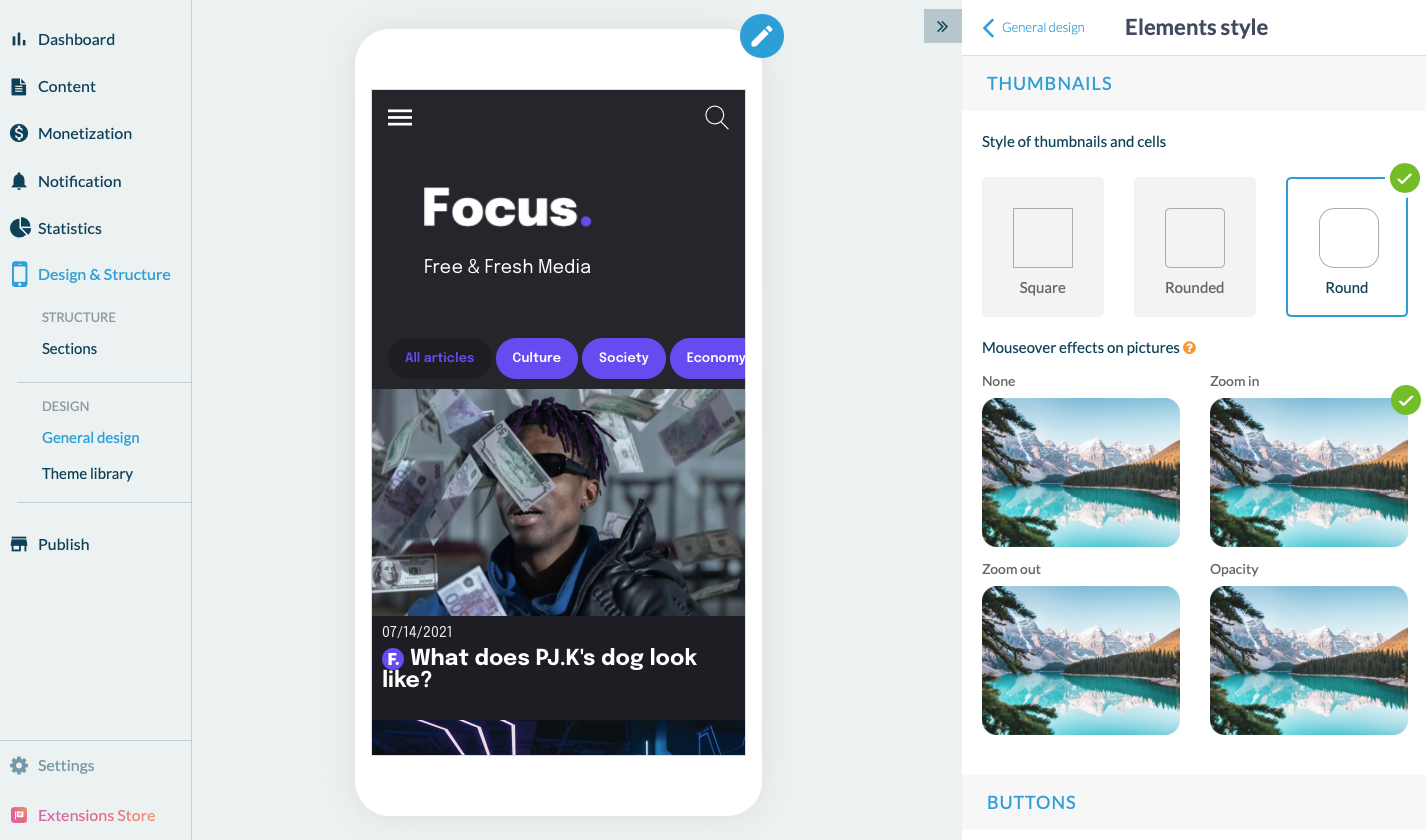
Once this is done, go to the Element Style menu > thumbnail > and select the "Round" effect.
Voila, your new template is applied to your app!