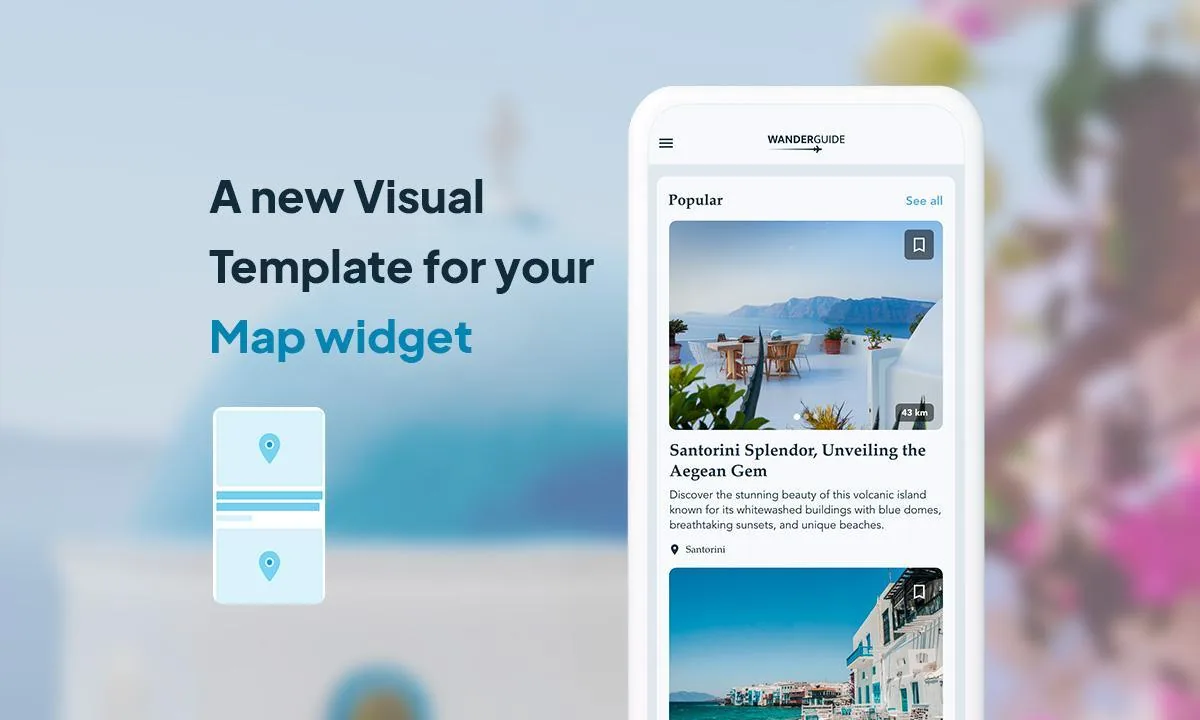
If you're using the Map section of your GoodBarber app and want to showcase your places on your app's Home, you're in for a treat! Today, we're introducing a brand new widget template for your Map section: the Visual template.
Particularly suitable for those who want to give a highly visual impact to the places featured in their app, this new template allows you to display multiple images for a place through an integrated slideshow. It also offers actions that greatly enhance the user experience:
- favoriting a location directly from the Home
- a 'View All' button in the widget's header.
How to apply the template in your application?
In your back office, go to the My App > Structure > Home menu. Then, choose the Map widget to which you want to apply the Visual template, or create a new one. All that's left is to select the Visual template and configure it.
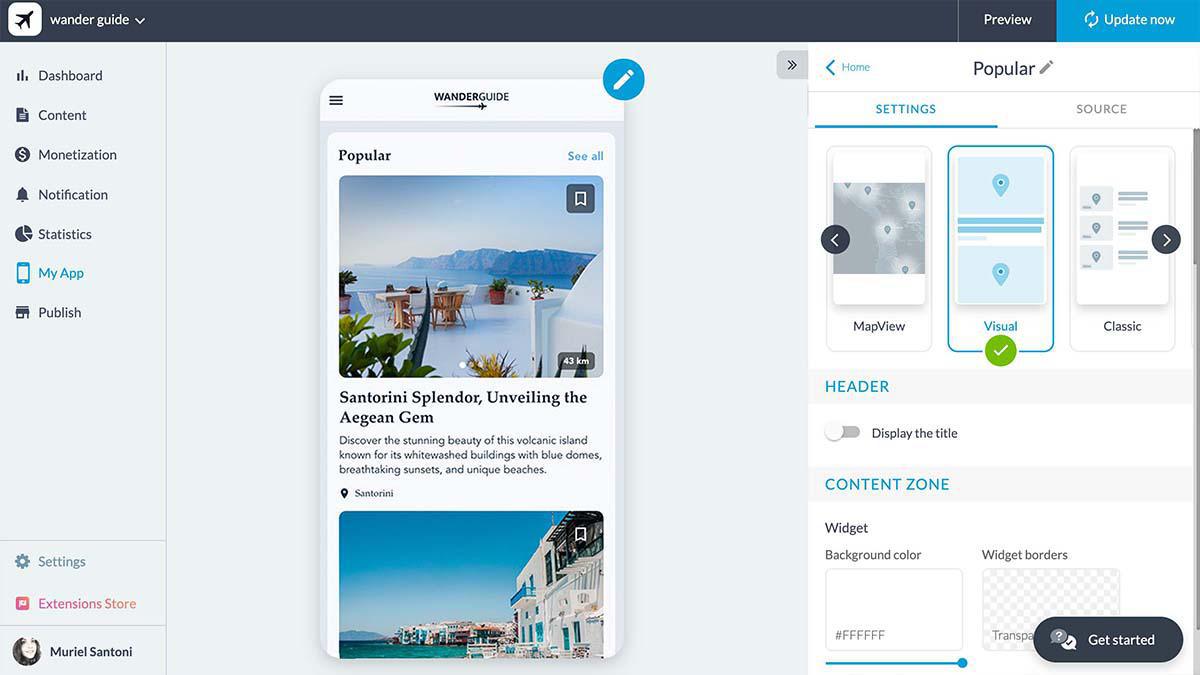
Your new template has now been applied to your application!