← Back to Blog
 Alex Brooks
How to activate the native YouTube player in your Android app
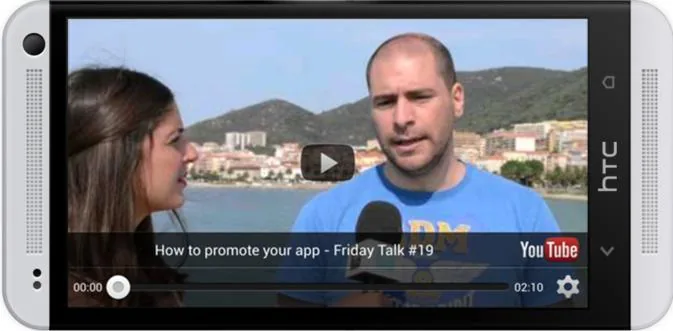
In last week update, we published a brand new feature allowing your users to **watch YouTube videos** directly from your Android app (either in articles and video sections). It uses the native YouTube player for a **better user experience**.
If you've already re-built your app since the [update #1238](https://www.goodbarber.com/blog/beautiful-apps-engine-update-1238-a202/), you just need to **follow these steps** to activate the new player. If not, follow this quick process, re-build your Android app from your GoodBarber backend, and publish an update on the store!
## Process to activate the YouTube player

1. Go to and login with your **Google Developer account**.
2. On the top left of the screen, just below the Google logo, click on the drop down menu and select "**Other projects > Open**".
3. Remember when you've followed the Android compilation process! Locate the API project that you've created at the step 4, it should be named "**GMap**". Click on it.
4. In the left menu, select **Services**.
5. At the end of the list, activate the item called "**YouTube Data API v3**", and you're done!
Enjoy :)
- [#Android](https://www.goodbarber.com/blog/tags/android)
- [#How To](https://www.goodbarber.com/blog/tags/how%20to)
- [#YouTube](https://www.goodbarber.com/blog/tags/youtube)
Alex Brooks
Unlock more content
View a short ad
Site-wide access for 24 hours