How to submit an app to Google Play ?
Your app in Google Play
You developed your new Android app and you are ready to publish it on the Play Store. Indeed, with over 1 billion monthly active users, Google Play is the market place which is most widely preferred for distributing and promoting Android apps. This article is a step-by-step guide on how to successfully publish your app on the Play Store.
Follow these steps to publish your app on Google Play Store:
1. Google Developer Account
Google developer Account
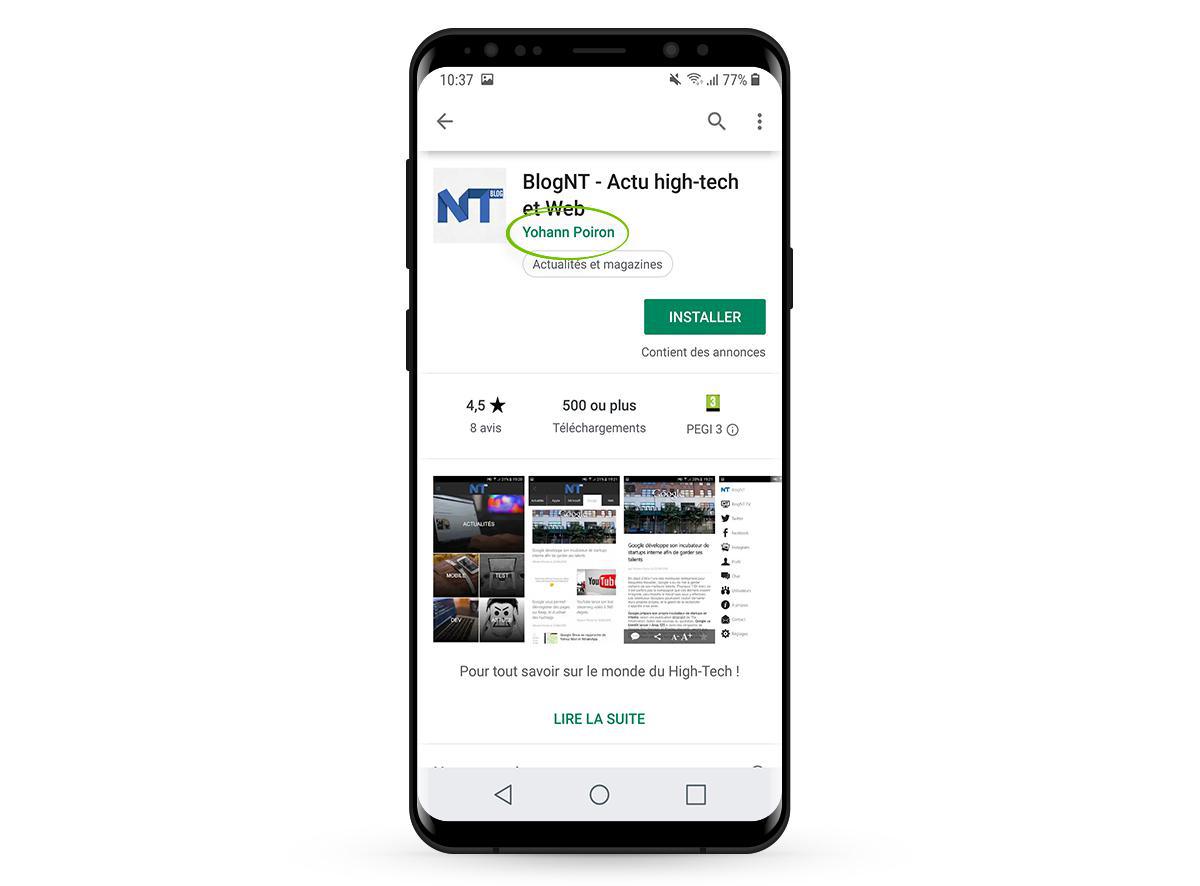
In order to publish an app in the Play Store, you must create a Google Developer Account which has a one time registration fee of $25. Part of the information provided here, such as the developer name, will be displayed on the Store.
2. Build and test your app
To prepare your application for release, you need to configure, build, and test a release version of your application. Generating your app is a mandatory step in the development process. Google offers tools such as Android Studio to build your application. Once the build is completed and before publishing your application, it is highly recommended to thoroughly test the release version. Testing is essential to the success of your app. It will allow you to check the quality of your app (making sure everything is working as it should), its performance (is it up to industry standards and user expectations, are there any bugs). You will also receive valuable feedback from the user side validating (or not) your ideas on your app and allowing you to make the relevant changes before publishing it on the Play Store.
If you are using GoodBarber, you will find an easy step by step guide to help you build your app and test the adhoc version. Testing the AdHoc version helps ensure that your application runs properly and offers a friendly, intuitive user experience. Ideally, you should test your application on devices with different screen sizes and resolutions to verify that your user interface elements are sized correctly. This step is your opportunity to fine tune your app and make the last modifications necessary.